1) Log in to our Conference Website.
- If you have a member or agency login on face-online.org, please log in using this account.
- If you DO NOT have a member or agency login on face-online.org, please email [email protected] for assistance.
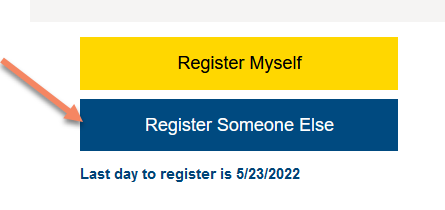
2) Navigate to Registration and select "Register Someone Else".

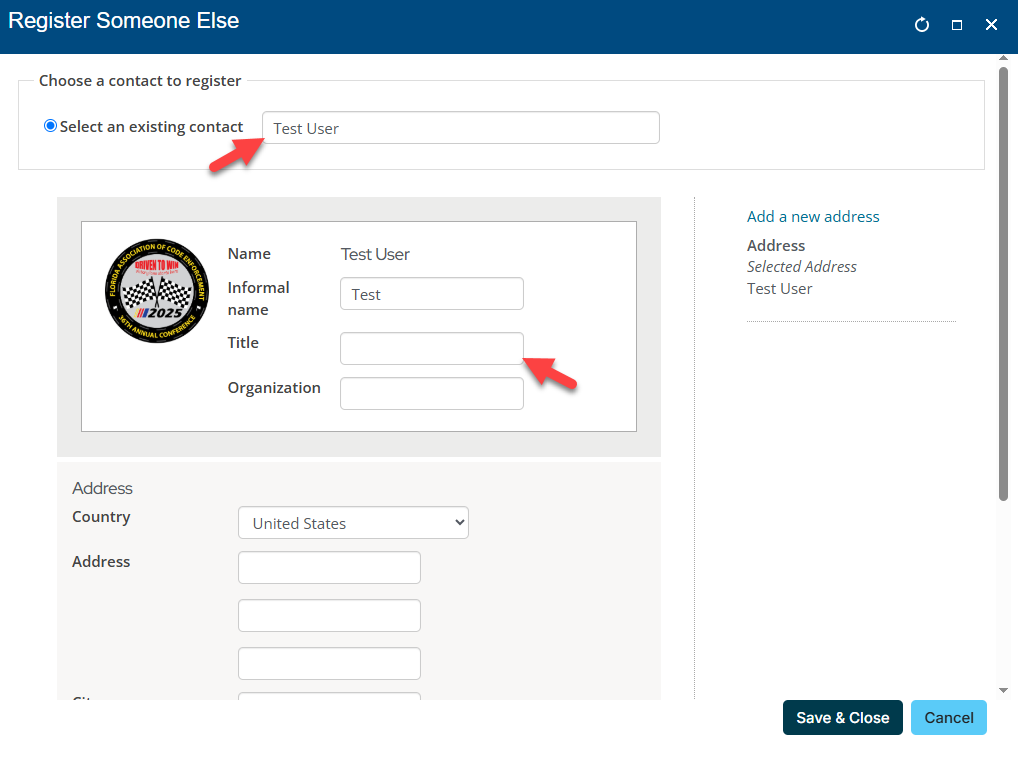
3) Choose "Select an Existing Contact" and select your member from the list. If the attendee's Title is blank, please fill this in for name badge purposes. You do not have to enter any address information. Click "Save & Close" on the bottom right.
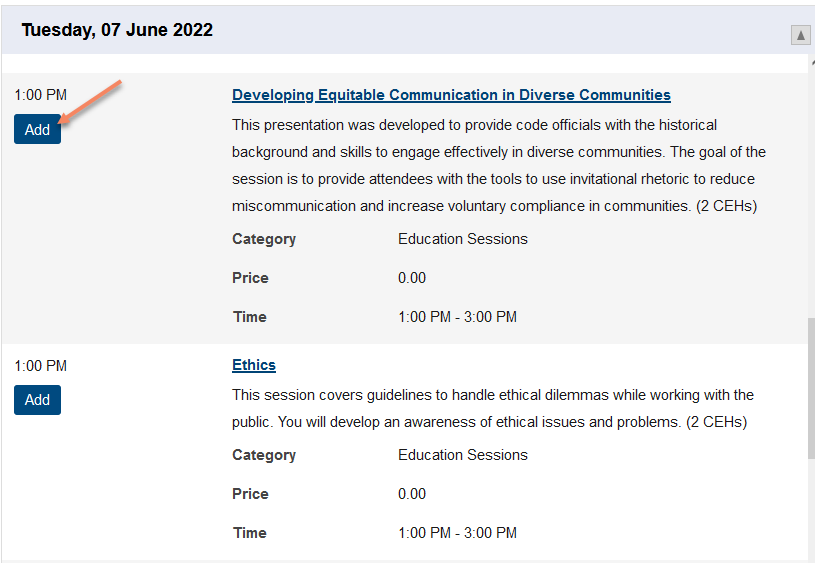
4) Complete their registration by selecting their registration option and add any sessions that they will be attending. Note that the system will not allow you to add conflicting sessions.
If you do not know their sessions at this time, the attendee can log into their own account to complete this after payment is completed.
6) If you have any additional registrants, you may begin this process again by selecting "Register Someone Else".
7) When you have completed registration, click Proceed to Checkout. During checkout, please be sure to select whether you intend to bill this to the company or to yourself.